fasthtml
FastHTML
This repository contains a collection of example applications built using FastHTML, demonstrating various features and use cases. Here are some of the highlighted apps:
1. Game of Life
An interactive implementation of Conway’s Game of Life, showcasing real-time updates and multi-client synchronization through WebSockets.
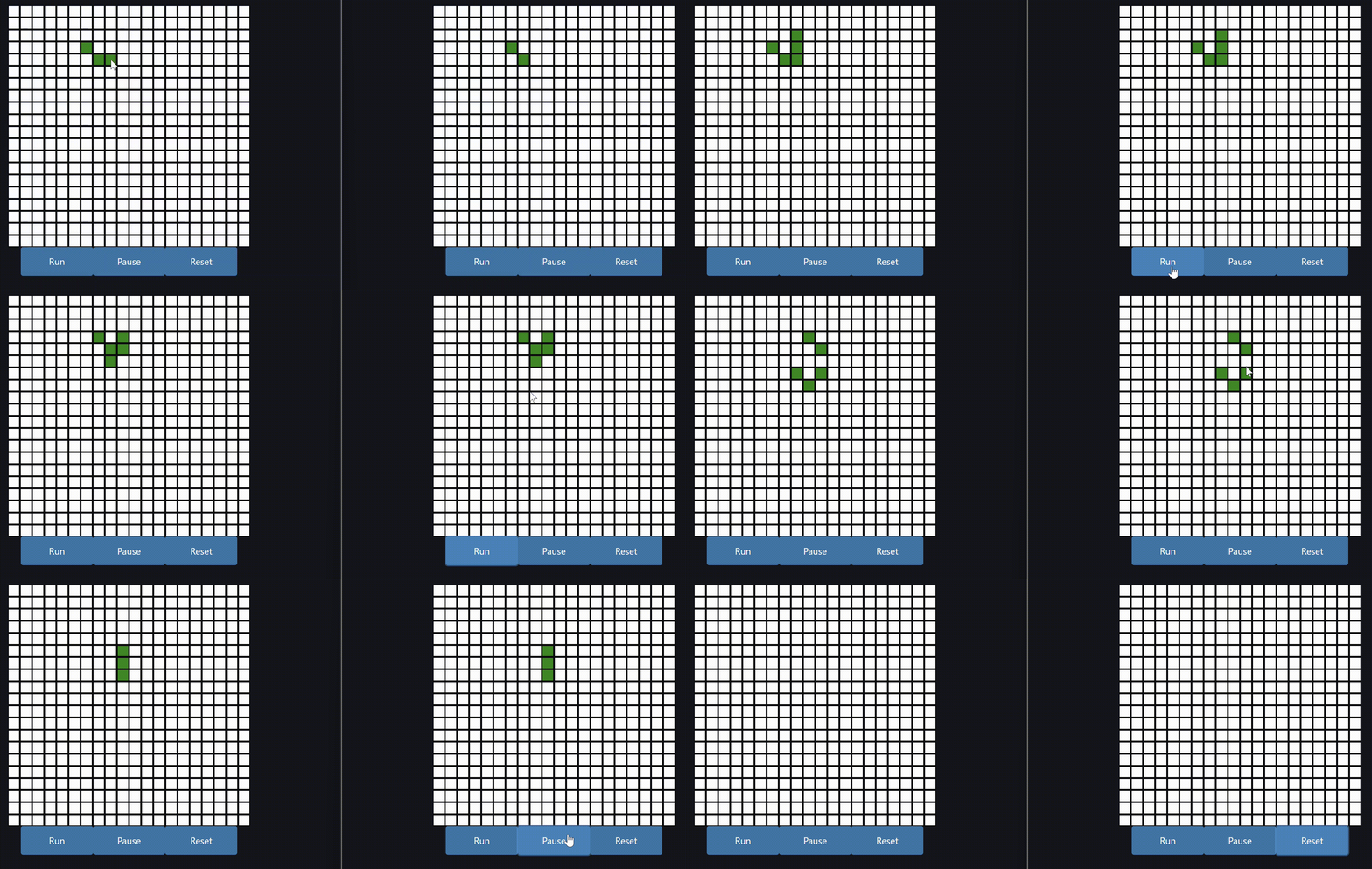
Key features:
- Interactive Game of Life grid
- Real-time updates across multiple clients
- WebSocket integration for live synchronization ```bash exe.dev ▶ integrations add github –name blog –repository ghuser/blog –attach vm:my-vm Added integration blog git clone https://blog.int.exe.xyz/ghuser/blog.git
Usage from a VM: ssh my-vm ‘cd $(mktemp -d) && git clone https://blog.int.exe.xyz/ghuser/blog.git’
[View Game of Life App](00_game_of_life/)

## 2. Todo App

A simple yet functional Todo list application demonstrating dynamic updates and database integration.

Key features:
- Add, edit, and delete todo items
- Mark todos as complete
- Real-time updates without page reloads
- SQLite database integration

[View Todo App](01_todo_app/)
```env
export GH_HOST=blog.int.exe.xyz
gh repo view ghuser/blog
gh issue list -R ghuser/blog
gh pr list -R ghuser/blog
3. Chatbot
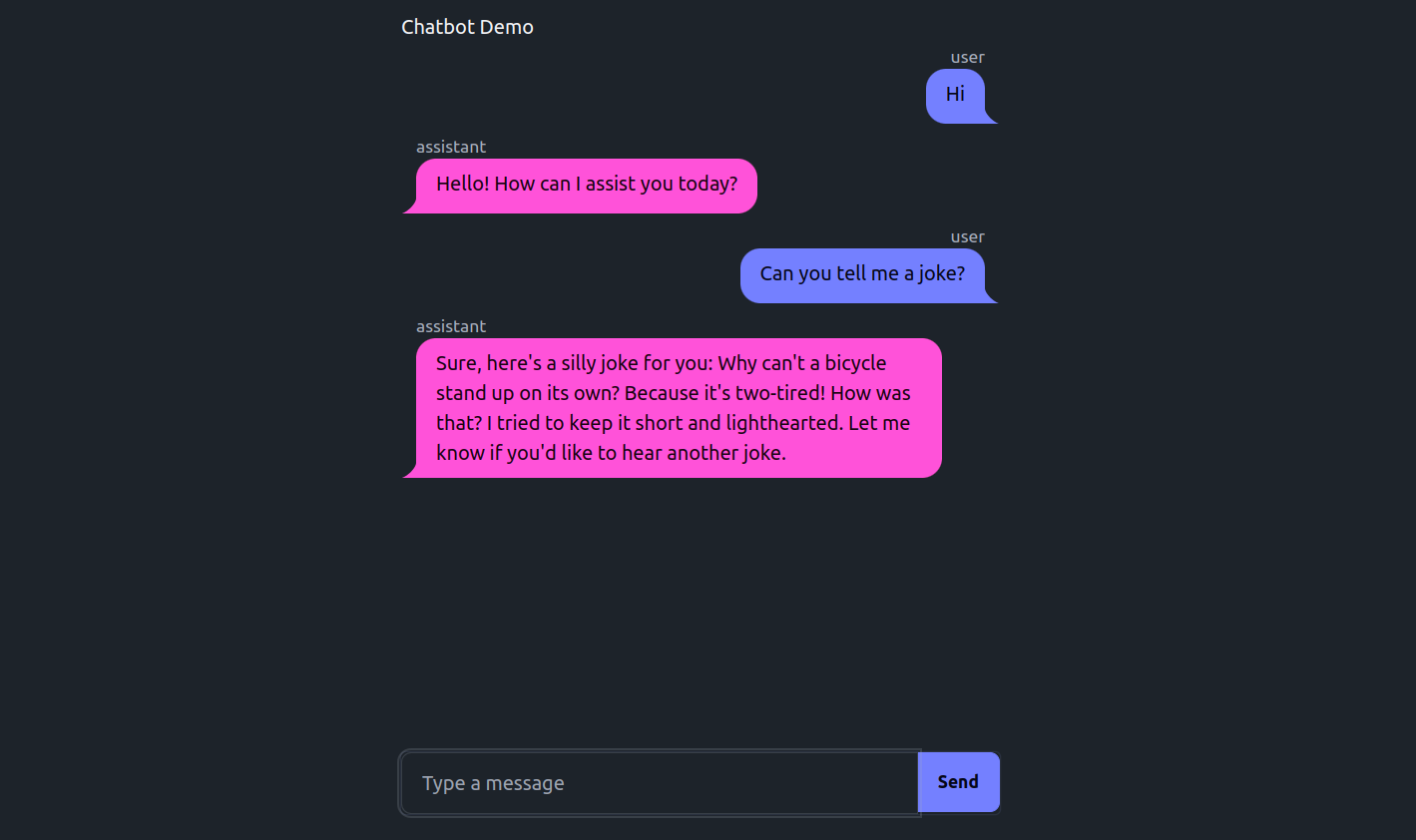
A simple chatbot, showcasing custom styling with DaisyUI for the chat message bubbles. Includes different approaches to handling chat message updates.
def sed(
    argstr:str, # All args to the command, will be split with shlex. No shell escaping needed for regex chars like `|`
    disallow_re:str=None, # optional regex which, if matched on argstr, will disallow the command
    allow_re:str=None, # optional regex which, if not matched on argstr, will disallow the command
):
print(view('_quarto.yml', (1,10), nums=True))
print(view('.', (1,5)).replace(os.getcwd(), '/path'))
4. Pictionary
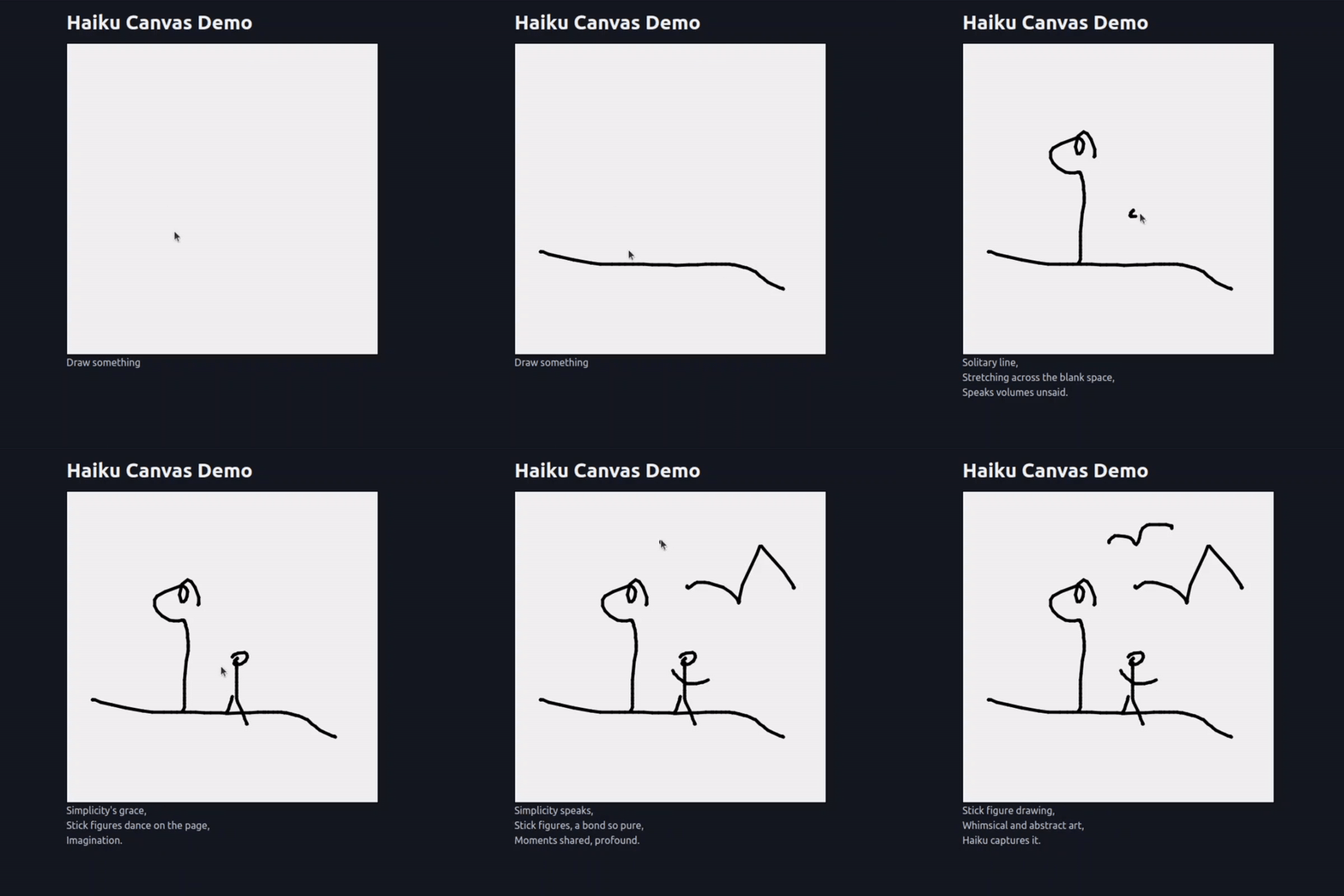
Sending user drawings to a multi-modal AI model for continuous captioning.
Additional Examples
The remaining examples are a collection of smaller demos and utilities showcasing various features of FastHTML. These are proof-of-concepts and demos rather than full-fledged applications, but should still show some useful patterns and techniques you can use in your own projects.
def view( path:str, # Path to directory or file to view view_range:tuple=None, # Optional 1-indexed (start, end) line range for files, end=-1 for EOF. Do NOT use unless it’s known that the file is too big to keep in context—simply view the WHOLE file when possible
    nums:bool=False, # Whether to show line numbers
    skip_folders:tuple=('_proc', '__pycache__'), # Folder names to skip when listing directories
):
Running the Apps
Each app is contained in its own directory. To run an app:
- Navigate to the app’s directory
- Install the required dependencies (usually with
pip install -r requirements.txt) - Run the app using the command specified in the app’s README (typically
uvicorn main:apporpython main.py)
print(rg('fast.ai CNAME', disallow_re=disallowed))
Contributing
Contributions are welcome! Please feel free to submit a Pull Request.
License
Acknowledgements
These examples were created to showcase the capabilities of FastHTML, a Python framework for building dynamic web applications.
create.sh
`
def create(
path:str, # Path where the new file should be created
file_text:str, # Content to write to the file
overwrite:bool=False, # Whether to overwrite existing files
)->str:
print(create(‘test.txt’, ‘Hello, world!’).replace(os.getcwd(), ‘/path’))
f = Path(‘test.txt’)
test_eq(f.exists(), True)
print(‘Contents:\n’, view(f, nums=True))
`
replace_lines.jsx
`
def replace_lines(
path:str, # Path to the file to modify
start_line:int, # Starting line number to replace (1-based indexing)
end_line:int, # Ending line number to replace (1-based indexing, inclusive)
new_content:str, # New content to replace the specified lines
):
`